Quick Start
If you've previously installed gulp globally, run npm rm --global gulp before following these instructions. For more information, read this Sip.
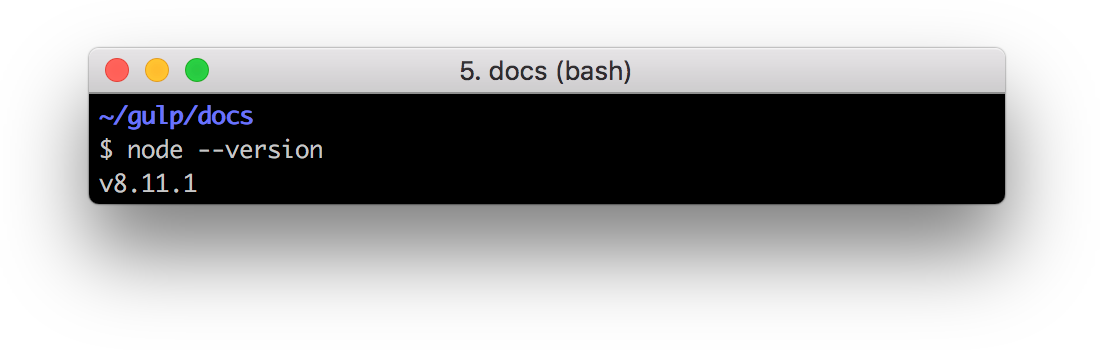
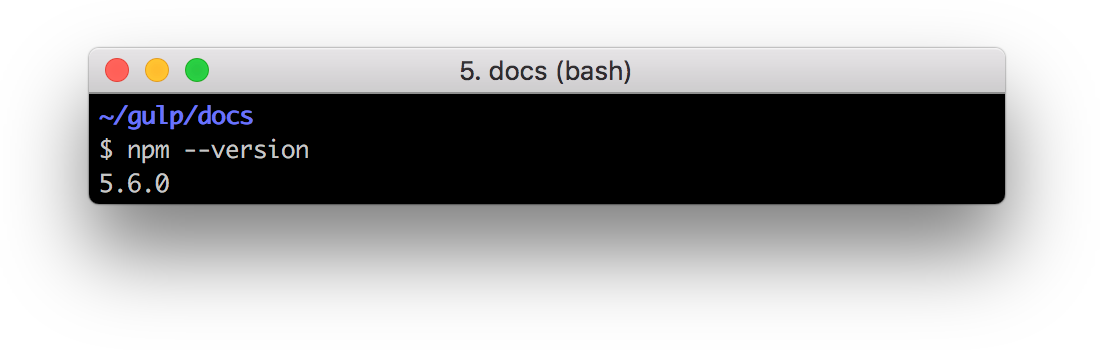
Check for node, npm, and npx
node --version
npm --version
npx --version
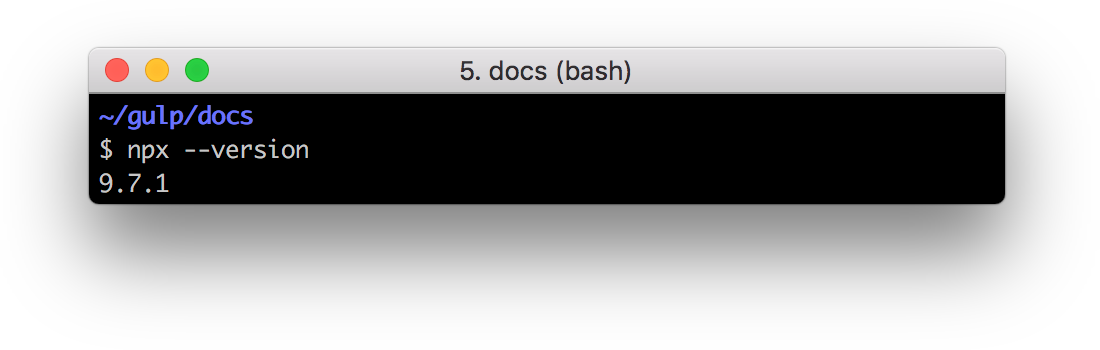
If they are not installed, follow the instructions here.
Install the gulp command line utility
npm install --global gulp-cli
Create a project directory and navigate into it
npx mkdirp my-project
cd my-project
Create a package.json file in your project directory
npm init
This will guide you through giving your project a name, version, description, etc.
Install the gulp package in your devDependencies
npm install --save-dev gulp
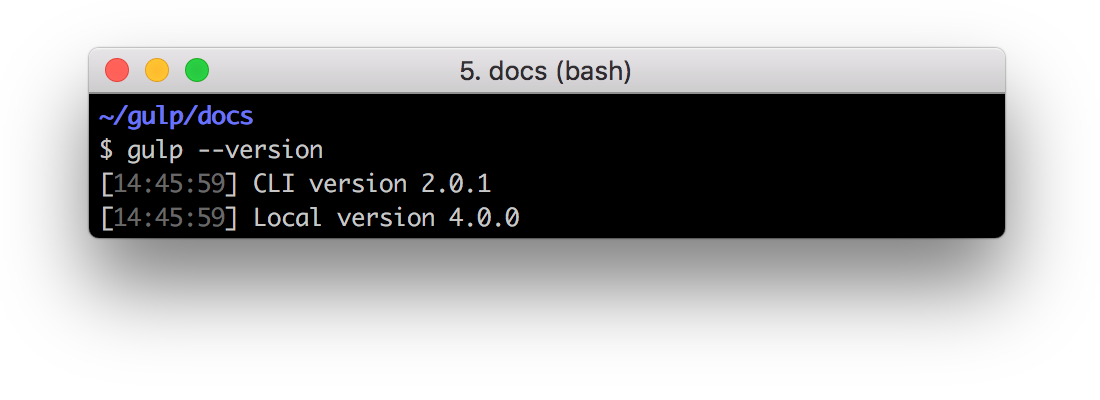
Verify your gulp versions
gulp --version
Ensure the output matches the screenshot below or you might need to restart the steps in this guide.
Create a gulpfile
Using your text editor, create a file named gulpfile.js in your project root with these contents:
function defaultTask(cb) {
  // place code for your default task here
  cb();
}

exports.default = defaultTask
Test it
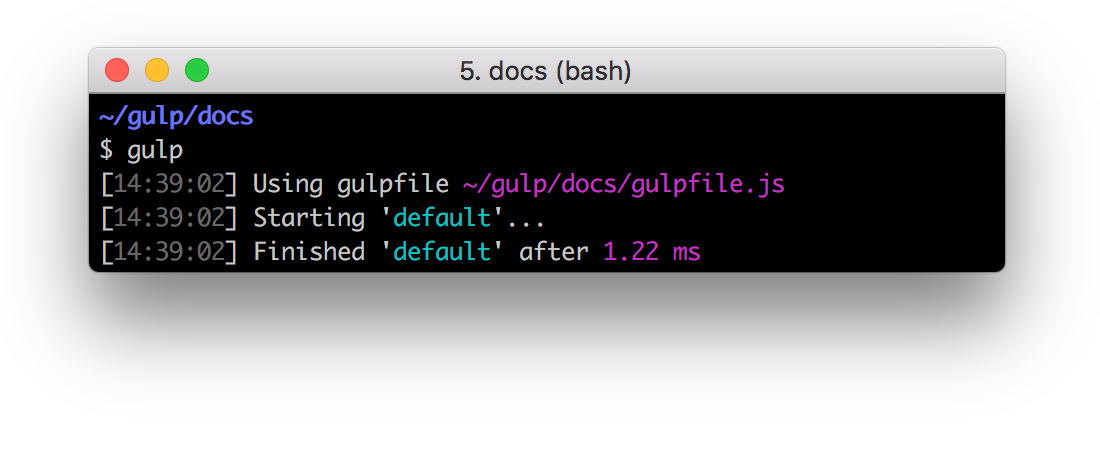
Run the gulp command in your project directory:
gulp
To run multiple tasks, you can use gulp <task> <othertask>.
Result
The default task will run and do nothing.